
Introducing the new Defigo widget. Here's everything you need to know, and how to get it onto your phone!


We recently launched an exciting update to the Defigo app which allows you to have Defigo as a widget on your phone.
The Defigo widget allows you to interact with simple elements of the Defigo app (i.e. the door opening function) directly from your phone's home screen without needing to open the full app.
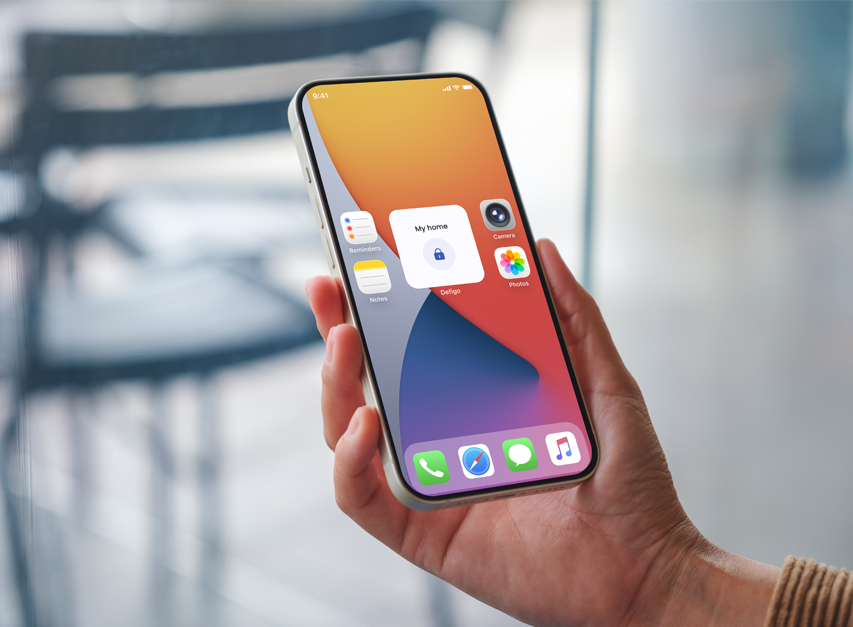
The widgets are available for both iOS and Android, and include compatibility with CarPlay widgets for seamless in-car access. The CarPlay feature allows you to open a garage door directly from your vehicle without the use of a phone.
CarPlay compatibility is key for ensuring that you are able to safely open your garage door without having to look down or touch your phone - safe and convenient!
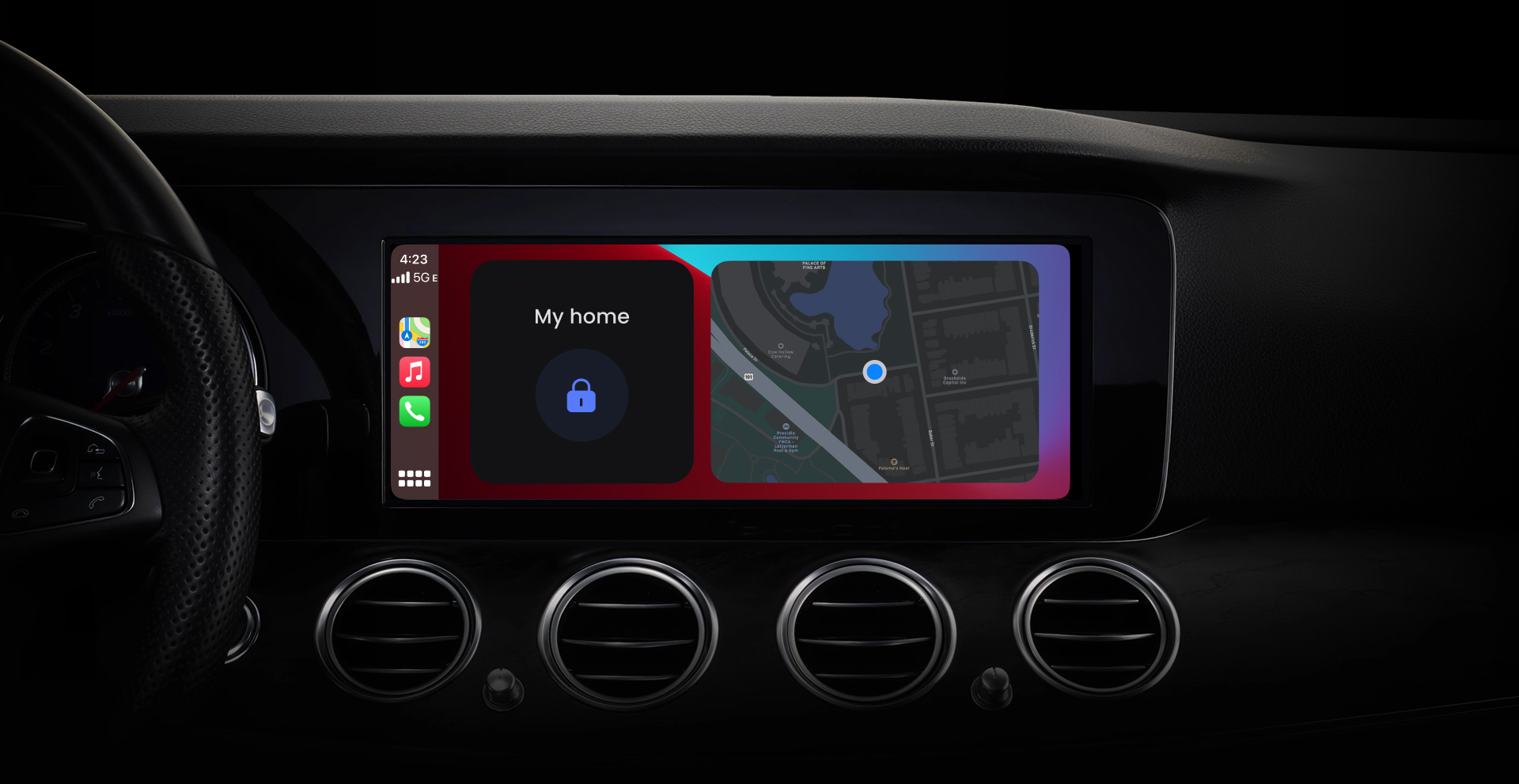
To start using widgets, your Defigo app must be updated.
To start using widgets on CarPlay, your car's software must be up to date, and your Defigo app must also be updated.
Android
On your home screen, touch and hold an area of empty space. 4 options should appear, one of which is called 'widgets'. Select 'widgets', and scroll down through the apps that have widgets. There you will find Defigo. Select the widget and press 'add'. By pressing the widget (which is now on your home screen, or an alternative screen if you have multiple widgets already), you can select which door you would like to feature in the widget.
iOS
On your home screen, touch and hold an area of empty space until the apps wiggle. Press the + button in the top left corner, select a widget and size, and then press 'add widget'. By pressing the widget (which is now on your home screen, or an alternative screen if you have multiple widgets already), you can select which door you would like to feature in the widget.
The Defigo widget is only available in size 2x2 right now, but more sizes are on the way. Stay tuned!
Sign up to our newsletter for more Defigo updates throughout the year.
Talk to our Sales Team to get a Demo of the Defigo System.


